Image
Professional AI headshots from a single photo
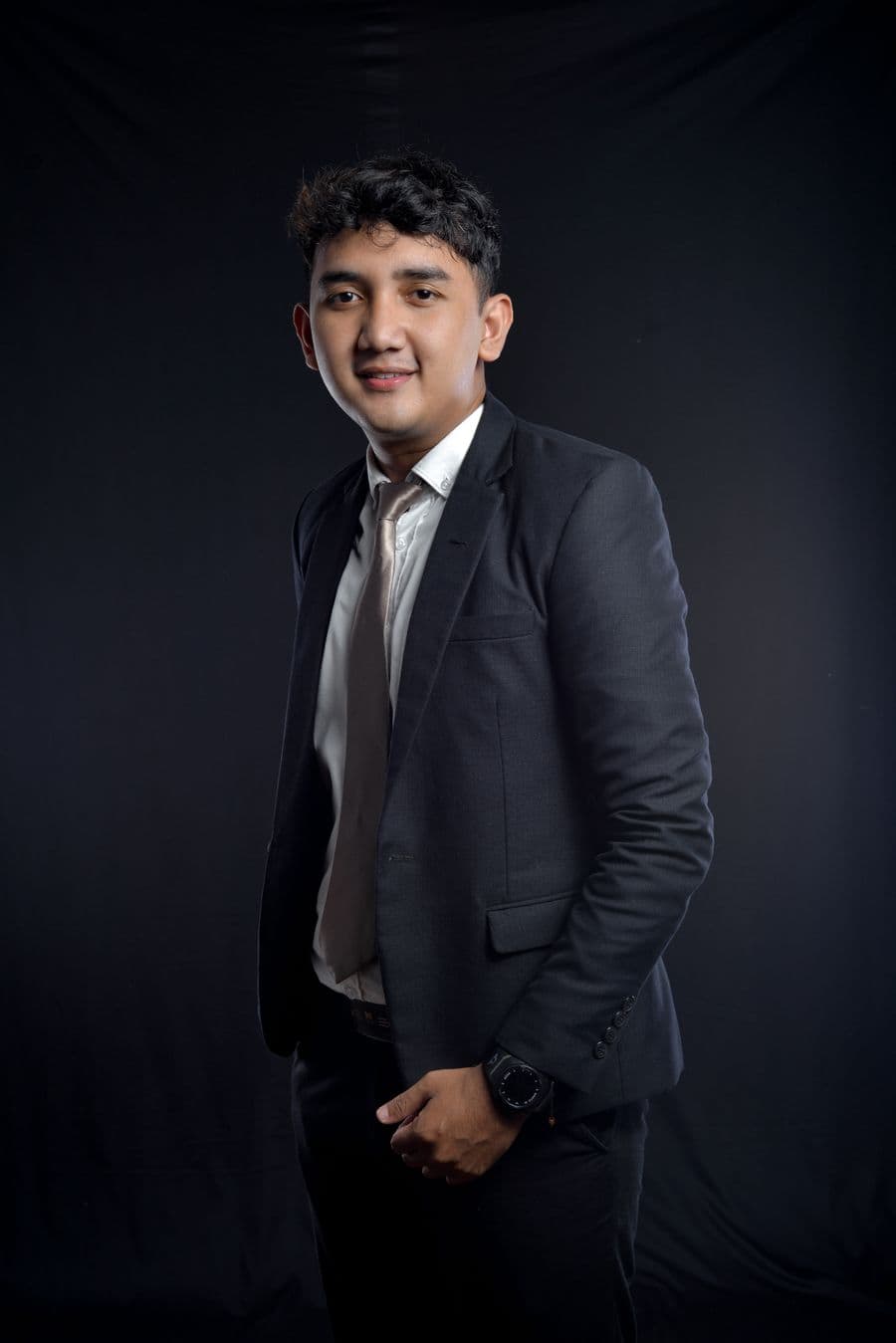
Turn a selfie, or a short description, into polished, professional AI headshots for LinkedIn, a CV, or a company page.
For the best results: Upload 1 to 3 clear, front-facing photos in good lighting for the best likeness. Or skip the upload and describe the look you want. Avoid sunglasses, hats, and heavy filters.
What is AI Headshots?
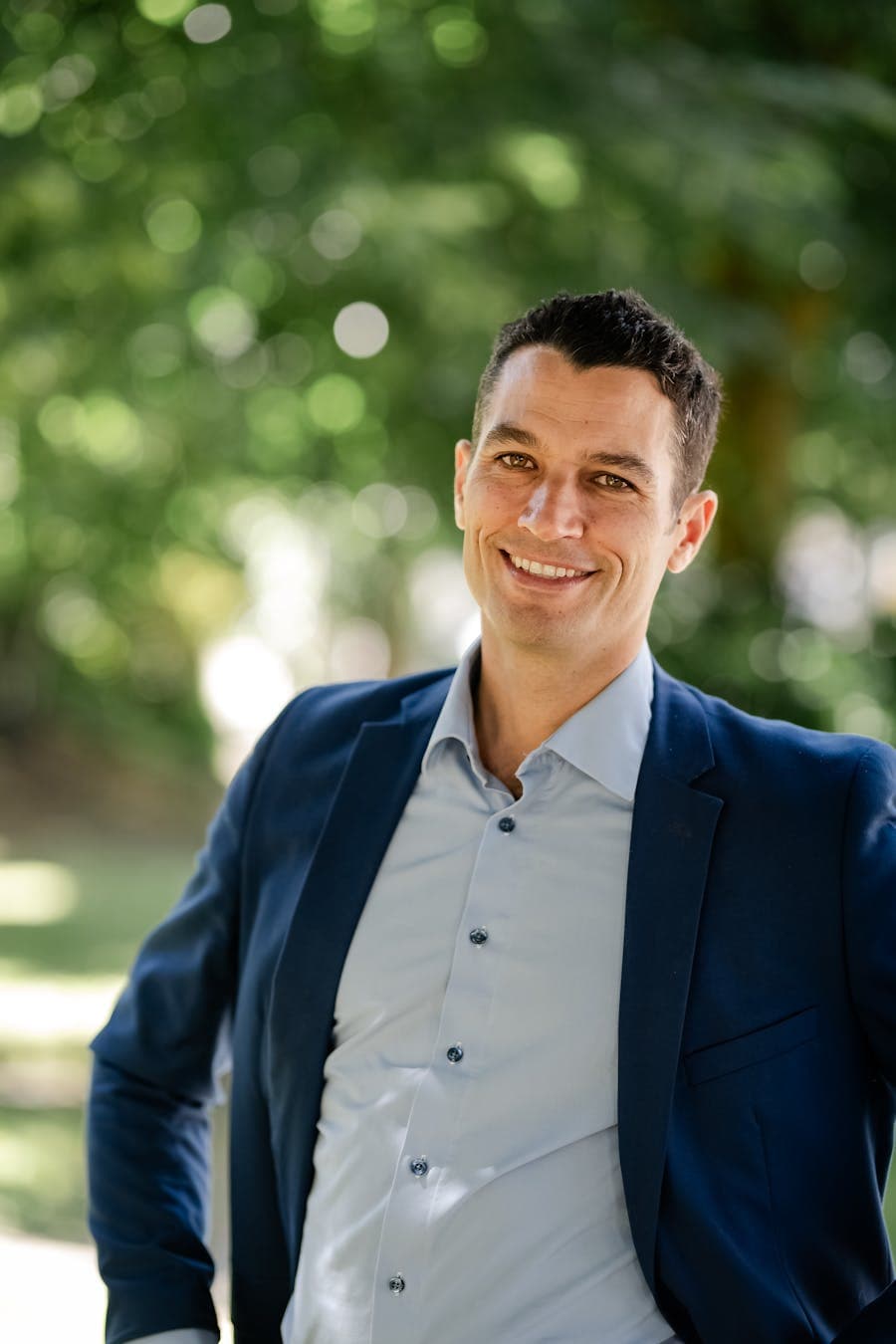
AI Headshots is a free AI image generation tool that turns a selfie or a short description into a polished, professional headshot for LinkedIn, a CV, or a company page. Behind the box, your prompt is matched to a capable image model automatically, returning high-quality images in any style from a text description in seconds. Nothing is gated behind a sign-up, and the prompts and uploads you provide are used for your result and then dropped when the session ends.
- ✦Generate without creating an account, open the page and describe
- ✦Requests route automatically to a capable image model
- ✦Uploads and prompts are not stored once your session ends
Models: It runs on leading image models including the FLUX and Gemini image families, chosen automatically for your request. The exact model used is shown after every response.
See it in action
A graduate needs a tidy LinkedIn profile photo and only has holiday snaps to work from.
What you type
Professional headshot from this selfie — navy blazer over a white shirt, neutral light-gray background, friendly natural smile, soft studio lighting.
What you get
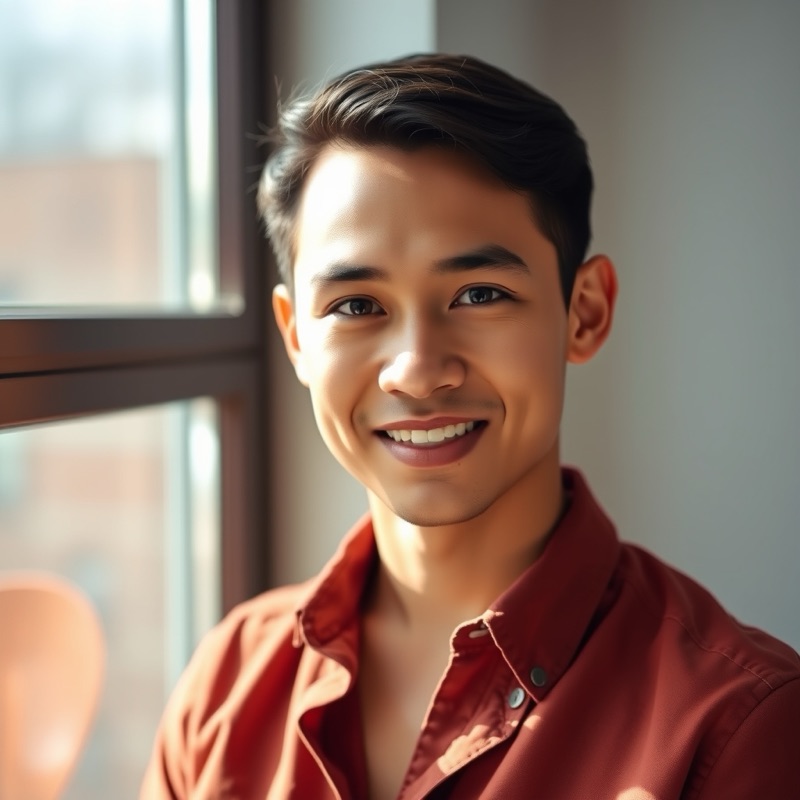
Result: a chest-up portrait, subject facing slightly off-center, navy blazer over a crisp white shirt, relaxed genuine smile, evenly lit face with a soft catchlight in the eyes, clean light-gray backdrop with a gentle falloff, sharp focus on the eyes. Expanded prompt used: "Corporate headshot, business-casual navy blazer, seamless light-gray studio background, soft key light with fill, subtle rim light, shallow depth of field, natural skin texture retained, eye-level framing, LinkedIn crop."
Tip: Describe wardrobe and background explicitly — "navy blazer, seamless gray backdrop" reads as considered, where an unspecified background often comes back busy or clashing. Ask it to keep natural skin texture; over-smoothed skin is the tell that turns a headshot plastic.
Examples
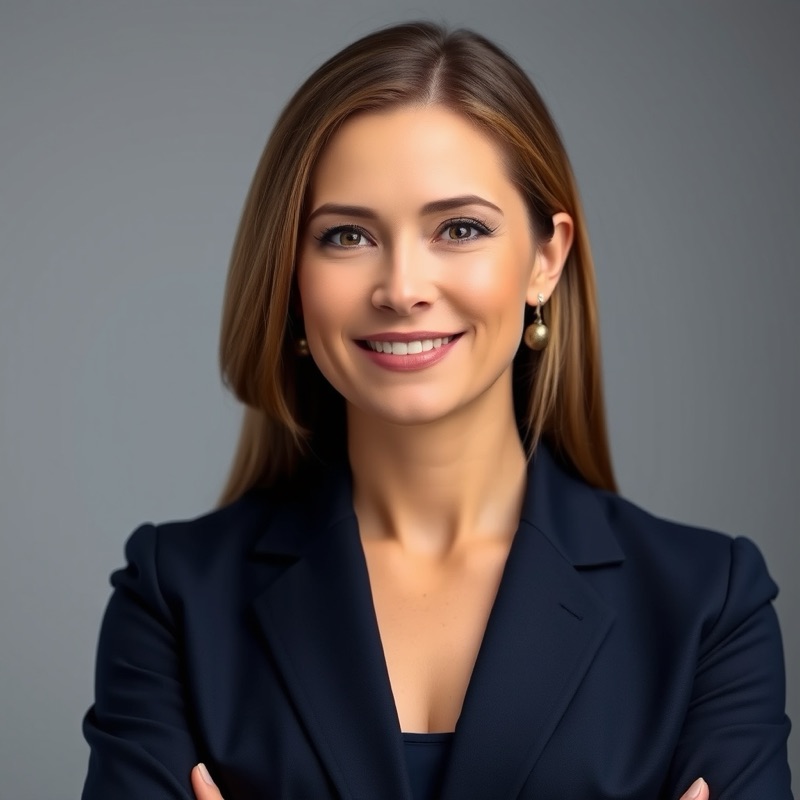
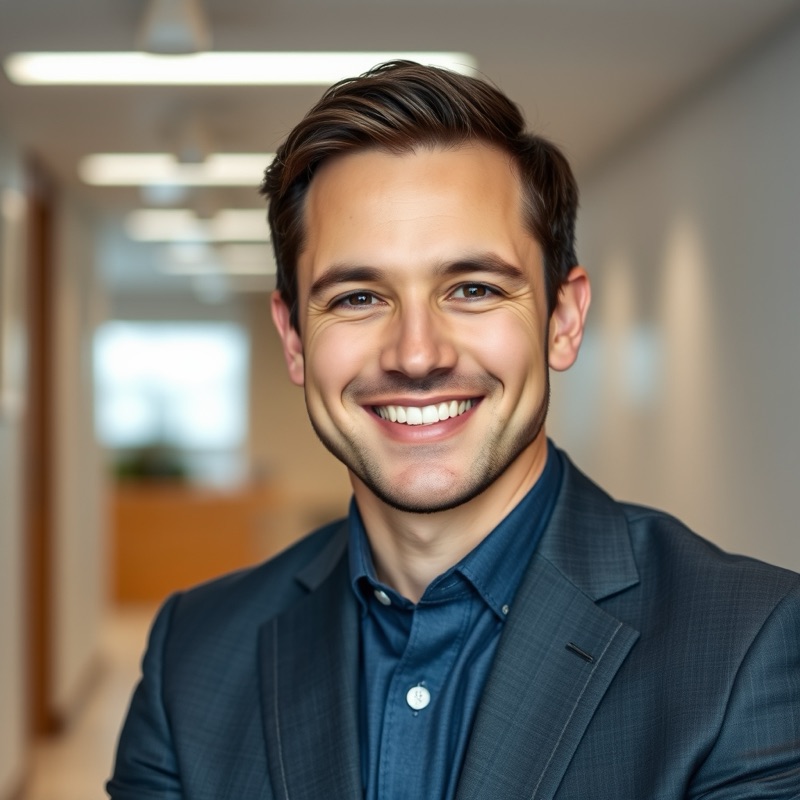
What you can make
Who uses AI Headshots?
Job hunters
getting a clean, current headshot for a CV and LinkedIn when a recent professional photo simply does not exist
Remote teams
giving everyone matching headshots on the same background for a tidy, consistent About page without booking a photographer
Conference speakers
turning a decent phone selfie into a sharp promo headshot for an event's schedule and social announcements
How it works
- 1Describe the visual you want, or upload a photo to work from.
- 2An image model matched to your request generates the picture.
- 3Download the result, or refine the description and generate again.
Example prompts to try
Professional headshot of a woman in a navy blazer, soft studio lighting, neutral gray backdrop
Confident man in a light business shirt, blurred modern office background, natural window light
Friendly headshot, smart-casual knit jumper, warm outdoor greenery behind, gentle golden-hour light
Corporate portrait, dark suit and tie, clean charcoal background, crisp even lighting, subtle smile
Creative professional in a linen shirt, bright airy studio, soft shadows, approachable expression
Tips for the best results
- Upload a well-lit, front-facing selfie with your whole face visible, as the tool has more to work with than a distant or side-on shot.
- Name the setting you want, such as neutral studio gray, softly blurred office or outdoor greenery, to match your industry.
- Specify attire like a business shirt, blazer or smart-casual knit so the headshot suits where you will actually post it.
- Generate a few variations and pick the most natural one, rather than pushing hard for photographic perfection in a single try.
- If a result looks a little unlike you, re-upload a clearer selfie instead of adding more description.
FAQ
Frequently asked questions
Do I need to upload a selfie, or can I just describe myself?
Both routes work. A clear, front-on selfie in decent light gives the closest likeness. If you'd rather not upload a photo, describe yourself instead (hair, complexion, glasses, attire) and you'll get a polished professional portrait matching that description, though it will be a person who resembles you rather than a version of you.
How closely will the headshot resemble me?
From a single selfie, expect a strong resemblance rather than a perfect replica, the AI rebuilds you in studio conditions, and small features can shift in the process. Generate several and pick the truest one. Check the details people notice, like eye color and hairline, before you post it, and never use one where an authentic photograph is required.
What should I ask for in terms of clothing and background?
Match the field you're presenting to. Corporate roles read best in a blazer against a plain or softly blurred backdrop; creative and trade roles can go more relaxed. Spell it out in the prompt, 'navy blazer, white shirt, soft gray studio background, warm lighting', because unspecified choices default to generic corporate, which may not be your industry's register.
Is it acceptable to use an AI headshot on LinkedIn or a CV?
For a profile photo, generally yes, provided it honestly resembles present-day you. Recruiters care that you look like your photo when you walk in, not how it was captured. Where it crosses a line is official identification, or a likeness flattering enough to feel like a surprise in person. When in doubt, pick the accurate one over the perfect one.
What happens to the selfie I upload?
It's processed for that session only, sent to a third-party AI provider under their terms to generate your headshots, and not stored by the site after your tab closes or used to train anything. Download the results before you leave the page, because there's no account or history holding them for you.
Is there a free AI headshot generator with no sign up?
Yes, you can create professional headshots here for free without registering or entering payment details. Upload a selfie or describe yourself, choose the look you want, and download the result. There is no account step and no email capture before you see your headshots, so you can try it and decide afterwards.
Can I use an AI headshot for a passport or official ID?
No. Passports, driving licenses and most official IDs require an unedited photograph of your real face taken to strict rules, and an AI-generated or heavily altered headshot will be rejected. These headshots are made for professional profiles like LinkedIn, a CV, a team page or a speaker bio, not for legal identity documents.
What kind of selfie gives the best AI headshot?
A clear, front-on selfie in soft, even light works best: face the camera, avoid harsh shadows or strong backlight, and keep sunglasses, hats and heavy filters off. A plain background and a neutral or gently smiling expression give the tool the most to work with and produce the most natural, like-you result.
What are the usage limits?
Image generation is free with fair-use limits, because every image costs real compute to render. Normal creative use fits comfortably; the limits exist to stop bulk scripted generation from slowing everyone down. Paid plans with higher limits and priority model access are coming soon.
Also useful
Related free AI tools
More Image tools