Image
Create AI art in any style
Turn any idea into original artwork, digital art, anime, fantasy, concept and pop art. Describe it and create it.
For the best results: Be specific: name the subject, style, lighting, and mood. Words like "photorealistic", "studio lighting", or "watercolor" steer the look.

What is AI Art Generator?
AI Art Generator is a free AI image generation tool that creates original artwork from an idea in styles ranging from oil painting and watercolor to anime and concept art. Behind the box, your prompt is matched to a capable image model automatically, returning an original piece of artwork in whatever medium and tradition you name, from oil and watercolor to linocut, concept art or cel-shaded anime, composed with a deliberate palette, mood and perspective rather than a flat default look in seconds. Nothing is gated behind a sign-up, and the prompts and uploads you provide are used for your result and then dropped when the session ends.
- ✦Generate without creating an account, open the page and describe
- ✦Requests route automatically to a capable image model
- ✦Uploads and prompts are not stored once your session ends
Models: It runs on leading image models including the FLUX and Gemini image families, chosen automatically for your request. The exact model used is shown after every response.
See it in action
A songwriter wants cover art that matches a moody acoustic single.
What you type
A lone figure on a windswept coastal cliff at dusk, impressionist oil painting, thick visible brushstrokes, stormy gray-blue palette.
What you get
Returns an oil-painting-style image: loose, heavy brushwork in slate blues and grays, a small dark figure against a bruised sky, the sea broken into visible strokes rather than smooth detail, with a heavy, atmospheric mood rather than a crisp photo look.
Tip: Aspect ratio does a lot of the emotional work: ask for a tall portrait crop for something intimate or a wide letterbox for something epic, and the same cliff scene reads completely differently before you have changed a single other word.
How it compares to Midjourney and DALL·E
| Free Anonymous AI | Midjourney | DALL·E | |
|---|---|---|---|
| Account required | No | Yes | Yes |
| Discord required | No | Yes | No |
| Free to start | Yes | No | Limited |
| Runs in the browser | Yes | Via app/Discord | Yes |
| Price | Free | Paid | Free tier |
Comparison of general availability; other tools' free tiers and features change over time.
Examples
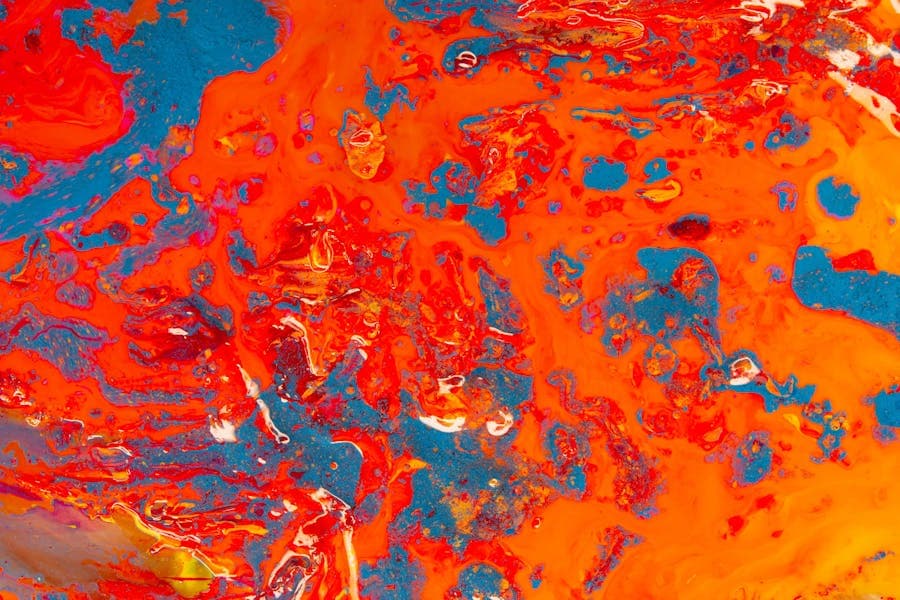
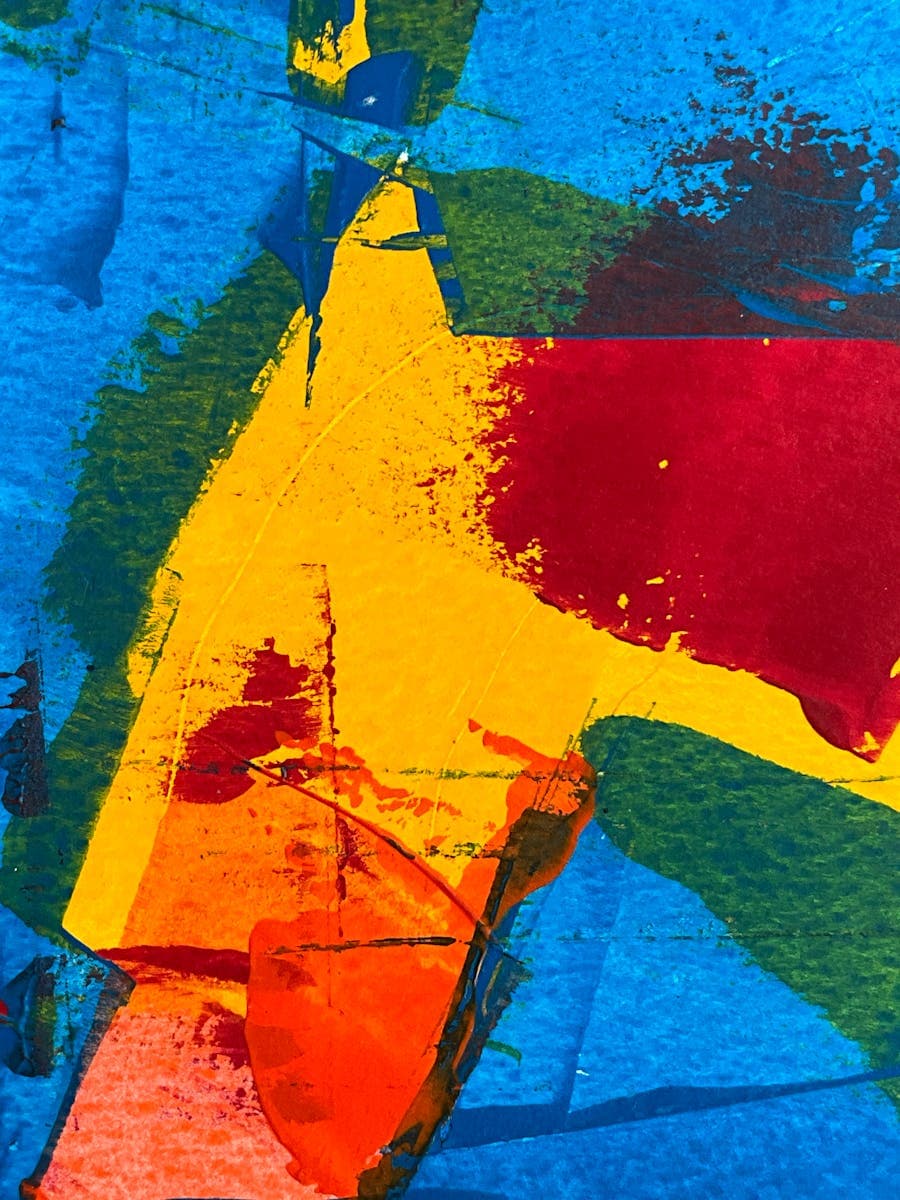
What you can make
Who uses AI Art Generator?
Musicians
designing cover art for a single, EP or playlist that captures the mood of the tracks
Self-published authors
developing evocative cover concepts for a novel before paying a designer to finalize the chosen direction
Twitch streamers
building overlay art, panel graphics and offline screens that match a channel's fantasy or retro theme
How it works
- 1Describe the visual you want, or upload a photo to work from.
- 2An image model matched to your request generates the picture.
- 3Download the result, or refine the description and generate again.
Example prompts to try
Windswept coastal cliff, impressionist oil painting, thick visible brushstrokes, stormy gray-blue palette
Fox spirit in a moonlit bamboo grove, anime cel-shading, glowing accents, dynamic pose
Bustling 1920s jazz club, Art Deco poster style, bold geometric shapes, gold and black
Quiet village at dusk, soft watercolor wash, muted pastels, loose flowing edges
Ancient dragon coiled around a ruined tower, epic fantasy concept art, dramatic backlight
Tips for the best results
- Commit to one named medium such as oil, gouache, linocut or cel-shaded anime, since generic art prompts drift towards a flat house look.
- Layer in mood and era words like moody, whimsical, Art Nouveau or 1980s airbrush to push the piece away from default.
- Describe brushwork and texture, for example visible impasto strokes or soft watercolor bleed, to make it read as a made object.
- Change the subject but keep the exact style clause when you want a matching set of pieces that hang together.
- If everything comes out samey, swap the palette and lighting rather than just renaming the subject.
FAQ
Frequently asked questions
How do I get a distinct style instead of generic 'AI art'?
Name the medium and the tradition, not just the subject. 'Loose ink wash with heavy negative space', 'flat 1960s screen-print poster', 'cel-shaded anime', each pulls the output somewhere specific. Vague prompts drift towards the model's default polished-digital look, so the more art vocabulary you feed it (palette, brushwork, era), the less it looks like everyone else's.
Can I ask for something in the style of a particular artist?
You'll get better and fairer results describing the qualities you admire (muted palette, thick impasto strokes, dreamlike composition) than naming a working artist. Descriptions give you control over exactly which traits carry over, and you avoid producing knock-offs of someone's signature style. Naming long-established movements (impressionism, ukiyo-e) is a different matter and works well.
Why do all my pieces come out looking samey?
Usually the prompts vary the subject but not the style, so the model's default aesthetic fills the gap every time. Shake up the variables that define a piece: composition (close crop versus wide shot), palette (two-color versus riotous), medium, mood, era. Changing those between generations produces far more range than swapping a castle for a dragon.
Is the artwork original, or stitched together from existing images?
Each piece is generated fresh from your description rather than retrieved or collaged from a library. That said, models learn common visual conventions, so popular subjects can resemble a genre's typical look. Treat the output as original but not guaranteed unique, if a piece is going somewhere commercial, a reverse image search is cheap peace of mind.
Are my prompts or finished pieces used to train the AI?
Nothing you type or generate here is used for training, and your session isn't stored once the tab closes. Prompts are processed by third-party AI providers under their own terms to produce the image, then gone. The practical flip side: save every piece you care about before closing, because there's no gallery to come back to.
Can I sell the AI art I make, on Etsy or as prints?
In most cases yes, pieces you generate can be sold as prints, on merchandise or through marketplaces like Etsy. Two things to watch: do not build the work around a named living artist's style or a trademarked character, and check each marketplace's own policy, as some now ask sellers to label AI-generated art.
Can I get a version big enough to print and frame?
Yes. Generate the piece here, then enlarge it with the Image Upscaler on this site so it holds up at frame size. Flat, painterly styles such as watercolor and poster art enlarge especially cleanly, while very fine, intricate detail benefits most from a careful upscaling pass before you send it to print.
Is the AI art generator free, and do I need an account?
It is free and there is no account to create before you make your first piece. Type your idea, pick or describe a style, and generate. Nothing is charged to begin, no email is required, and you can explore styles and subjects freely before deciding if it suits you.
What are the usage limits?
Image generation is free with fair-use limits, because every image costs real compute to render. Normal creative use fits comfortably; the limits exist to stop bulk scripted generation from slowing everyone down. Paid plans with higher limits and priority model access are coming soon.
Also useful
Related free AI tools
More Image tools