Image
Generate stunning images with AI
Describe any scene, subject, or concept and generate a high-quality AI image. Photorealistic, artistic, or conceptual. You choose the direction.
For the best results: Be specific: name the subject, style, lighting, and mood. Words like "photorealistic", "studio lighting", or "watercolor" steer the look.

What is AI Image Generator?
AI Image Generator is a free AI image generation tool that generates a high-quality image from any scene, subject, or concept you describe. Behind the box, your prompt is matched to a capable image model automatically, returning high-quality images in any style from a text description in seconds. Nothing is gated behind a sign-up, and the prompts and uploads you provide are used for your result and then dropped when the session ends.
- ✦Generate without creating an account, open the page and describe
- ✦Requests route automatically to a capable image model
- ✦Uploads and prompts are not stored once your session ends
Models: It runs on leading image models including the FLUX and Gemini image families, chosen automatically for your request. The exact model used is shown after every response.
See it in action
A neighborhood cafe wants a fresh hero image for the new autumn menu going up on their website.
What you type
Overhead flat lay of a flat white and a warm almond croissant on a pale marble table, soft morning light, a few loose flaky crumbs, cosy cafe feel.
What you get
Result: a top-down shot on pale gray-veined marble — a flat white with a tidy leaf of latte art in a matte ceramic cup, a golden almond croissant dusted with icing sugar beside it, scattered flaked almonds and crumbs, warm side light from the left casting soft shadows. Expanded prompt used: "Top-down flat lay, flat white with leaf latte art in a stoneware cup, buttery almond croissant, pale marble surface, warm directional morning light, shallow depth of field, natural food-photography styling, negative space upper-right for text, 16:9."
Tip: For marketing images, say where the text will go — asking for "negative space upper-right" leaves a clean spot for your headline instead of cropping the food later. Naming a surface and a light direction (marble, warm side light) is what separates a styled shot from a flat, evenly-lit stock look.
How it compares to Midjourney and DALL·E
| Free Anonymous AI | Midjourney | DALL·E | |
|---|---|---|---|
| Account required | No | Yes | Yes |
| Discord required | No | Yes | No |
| Free to start | Yes | No | Limited |
| Runs in the browser | Yes | Via app/Discord | Yes |
| Price | Free | Paid | Free tier |
Comparison of general availability; other tools' free tiers and features change over time.
Examples
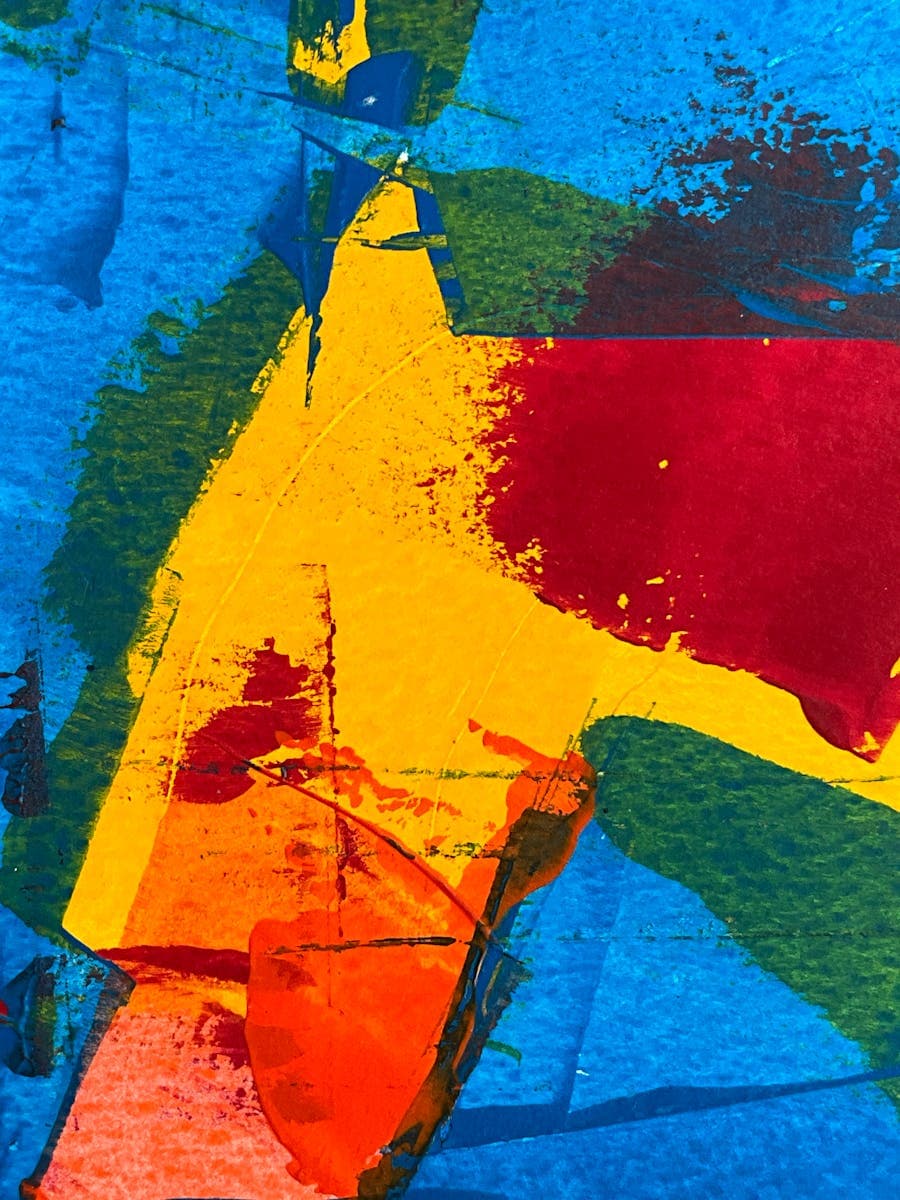
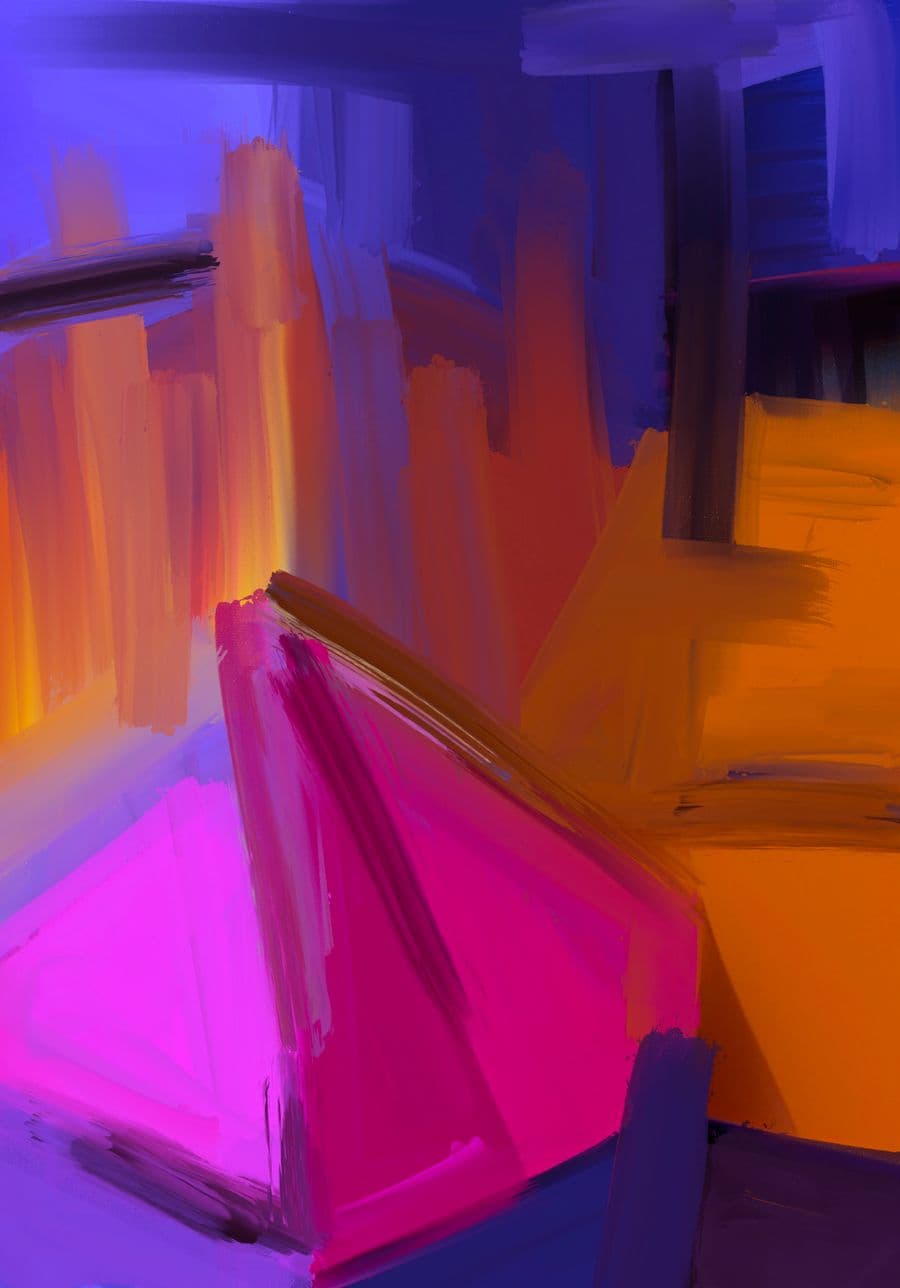
What you can make
Who uses AI Image Generator?
Startup teams
filling a pitch deck with concept visuals the night before a meeting instead of licensing costly stock
Market traders
producing a photorealistic hero image for a stall flyer without hiring a photographer for a single shot
Campaign game masters
generating a portrait of the villain to reveal to players before the big Saturday session
How it works
- 1Describe the visual you want, or upload a photo to work from.
- 2An image model matched to your request generates the picture.
- 3Download the result, or refine the description and generate again.
Example prompts to try
Golden retriever puppy on a beach at sunset, warm rim light, shallow depth of field
Futuristic glass city skyline at night, moody blue tones, aerial establishing shot
Steaming bowl of ramen on a wooden table, soft overhead light, appetizing close-up
Snow-capped mountains reflected in a still lake, crisp morning light, symmetrical composition
Vintage red motorcycle in a garage, dramatic single-source lighting, rich shadows
Tips for the best results
- Describe subject, environment, lighting and mood together, since the generator fills silent gaps with its own default choices.
- State whether you want a photo, an illustration or a 3D render up front, as that single word reshapes everything after it.
- Add camera language like close-up, wide shot or shallow depth of field to control how the frame is composed.
- Change one variable at a time between generations so you can see which word actually moved the result.
- When a photorealistic person looks slightly off around the hands or eyes, regenerate rather than trying to describe the fix.
FAQ
Frequently asked questions
How do I steer it between photorealistic and artistic output?
Say which one you want in the prompt, in the language of that medium. For realism, use photography words: 'photograph of', a lens or lighting description, 'natural light', 'shallow depth of field'. For artistic results, name a medium, 'flat vector illustration', 'gouache painting'. Prompts that mention neither tend to land in an in-between digital-art look.
Will the same prompt give me the same image twice?
No, there's randomness built into generation, so every run is a new take on your words. That's useful when you want options, and a trap when you loved the last one: download anything you want to keep straight away, because your session isn't stored and the exact image can't be recreated later.
Can it generate images of real, named people?
It isn't built for that, and it's the wrong tool for it anyway. Likenesses of specific people come out inaccurate, and generating images of a real person without their say-so can land you in genuine trouble. Describe a fictional person instead (age, build, expression, clothing) and you'll get better, safer results.
The image is almost right, what's the fastest way to fix it?
Change one thing in the prompt, not five. Keep everything that worked word-for-word and edit only the part that missed, or add an explicit exclusion like 'no people in the background'. If two elements keep fighting each other, generate them separately and combine them in an editor rather than burning attempts chasing one perfect frame.
Do I have to sign up before I can generate anything?
There's no account, sign-up or card. You open the page and start describing. The whole platform is free during launch, with fair-use limits on image generation so it stays available for everyone. If you're planning a big batch of visuals, know roughly what you want before you start; aimless regeneration burns through the allowance fastest.
What is the best free AI image generator?
The best free option is one that generates straight away with no account, handles both photorealistic and stylized prompts from a single box, and lets you regenerate as you refine the wording. This tool does all three, so you can judge it against the alternatives on your own prompts rather than on marketing claims.
How do I download the image once it is generated?
Once a result appears you can save it directly from the tool to your device, no export step or account required. On a computer it downloads to your usual folder, and on a phone it saves to your gallery, ready to drop into a post, document or design app.
Can I make the image bigger or sharper for printing?
For a larger or crisper version, generate your image here, then run it through the Image Upscaler on this site to enlarge it and firm up the detail. Compose with print in mind from the start by asking for a clean, uncluttered subject, which enlarges far more gracefully than a busy scene.
What are the usage limits?
Image generation is free with fair-use limits, because every image costs real compute to render. Normal creative use fits comfortably; the limits exist to stop bulk scripted generation from slowing everyone down. Paid plans with higher limits and priority model access are coming soon.
Also useful
Related free AI tools
More Image tools