Image
Turn ideas into paintings
Describe a scene and the painting style you want, oil, watercolor, impressionist, abstract, and generate it.
For the best results: Describe the scene, then the medium and era, "oil painting, impressionist", "loose watercolor", "dark baroque". Naming a lighting mood ("golden hour", "candlelit") does more than adding adjectives.
What is AI Painting Generator?
AI Painting Generator is a free AI image generation tool that creates original digital paintings in styles from oil and watercolor to impressionist and abstract, from a written description. Behind the box, your prompt is matched to a capable image model automatically, returning high-quality images in any style from a text description in seconds. Nothing is gated behind a sign-up, and the prompts and uploads you provide are used for your result and then dropped when the session ends.
- ✦Generate without creating an account, open the page and describe
- ✦Requests route automatically to a capable image model
- ✦Uploads and prompts are not stored once your session ends
Models: It runs on leading image models including the FLUX and Gemini image families, chosen automatically for your request. The exact model used is shown after every response.
See it in action
You want to turn the memory of an early-morning swim at your local beach into a framed piece for the hallway.
What you type
A quiet beach just after sunrise, one person swimming out past the break, soft pink and gold sky, calm sea. Impressionist, loose brushwork, warm palette.
What you get
Style: Impressionist oil, visible palette-knife texture Expanded prompt: A tranquil ocean at first light, a lone swimmer's head and wake far out past the gentle break, sky washed in soft rose and pale gold reflecting on rippled water, loose expressive brushstrokes, warm muted palette, painterly impasto texture in the Monet tradition, dawn haze softening the horizon. Composition: low horizon (lower third), swimmer off-center on the right, empty warm sky filling the top two-thirds for a calm, spacious feel.
Tip: Name a real medium and a specific painter's tradition (impressionist oil, palette knife) rather than just 'a painting', and dictate where the horizon sits. A low horizon with a small off-center subject is what gives a seascape that calm, un-posed feel instead of a postcard.
Examples
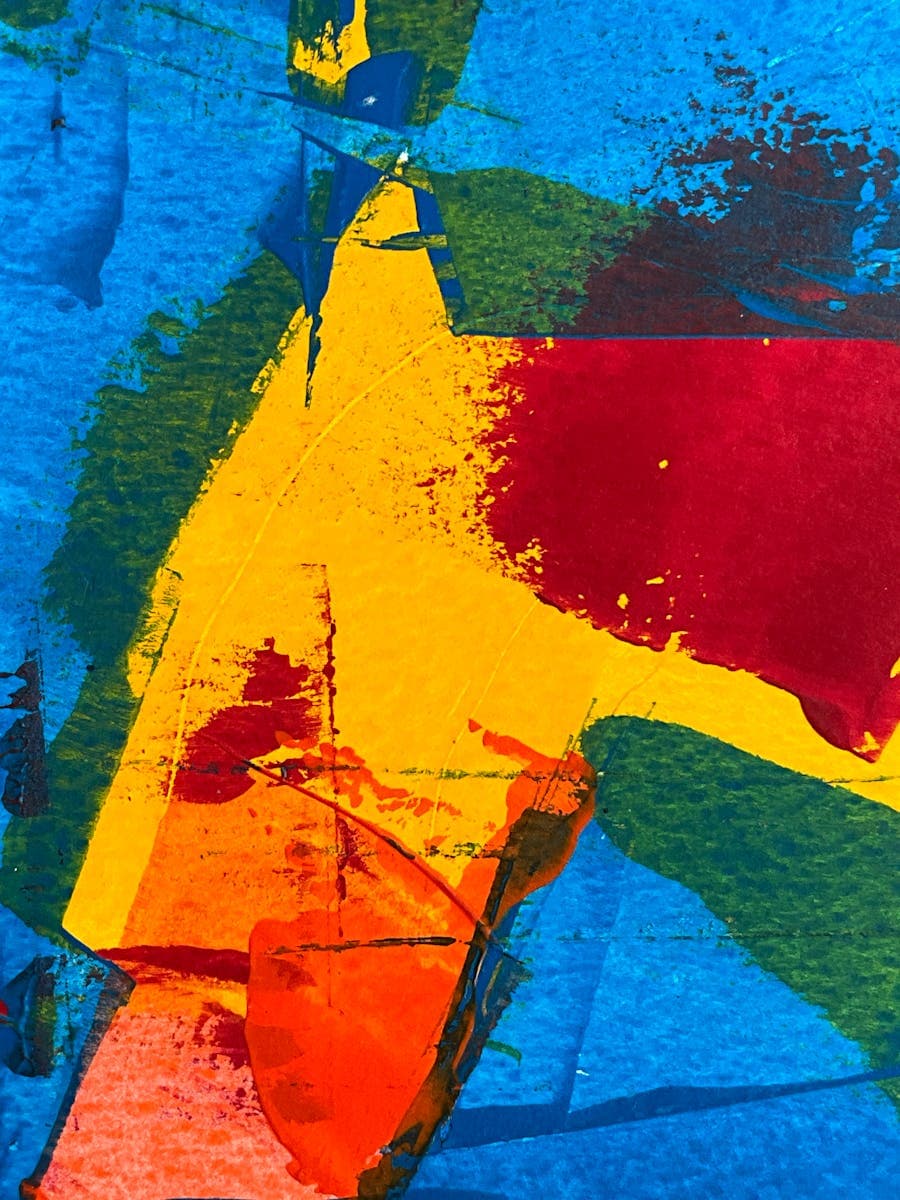
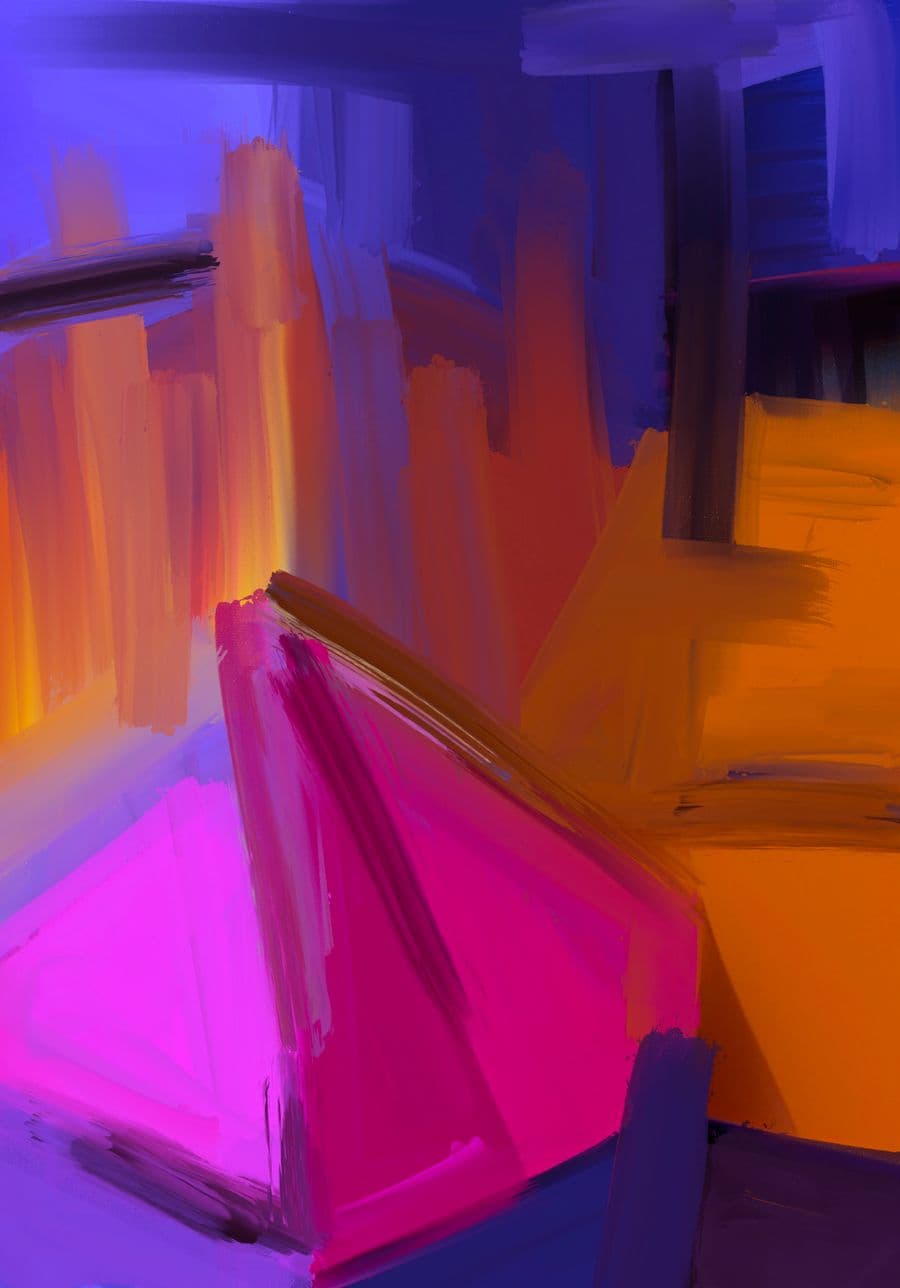
What you can make
Who uses AI Painting Generator?
Anniversary gift-givers
turning a favorite shared memory, like a coastal holiday, into an impressionist piece worth framing as a present
Home decorators
filling a bare rental wall with abstract prints in colors matched to the sofa and cushions
Art students
previewing a scene in oil, watercolor and gouache side by side to study how each medium changes the mood
How it works
- 1Describe the visual you want, or upload a photo to work from.
- 2An image model matched to your request generates the picture.
- 3Download the result, or refine the description and generate again.
Example prompts to try
Sunlit lavender field in Provence, loose impressionist oil, warm golden haze, visible brushstrokes
Rainy city street at night, moody watercolor, reflected lights, soft bleeding edges
Still life of lemons and ceramic jug, classical oil painting, warm chiaroscuro lighting
Abstract ocean in blues and teals, palette-knife texture, bold sweeping strokes, calming mood
Snowy forest at dawn, delicate gouache, muted cool palette, soft diffused winter light
Tips for the best results
- Name the medium and movement together, such as loose impressionist oil or flat gouache, since that shapes the painting more than the subject does.
- Describe light, weather and atmosphere rather than sharp detail, because mood is what makes a scene read as a painting instead of a photo.
- Reuse one scene across several styles to compare, then commit to the medium whose mood fits the room or occasion.
- Mention brushwork you like, for example visible palette-knife texture or delicate watercolor bleed, to push it away from a flat digital look.
- Upscale the finished piece before printing large, so soft brushwork stays intentional rather than turning blurry on canvas.
FAQ
Frequently asked questions
I don't know art styles. How do I pick one?
Go by the effect rather than the label. Oil gives rich color and visible texture; watercolor is soft, translucent and light; impressionist styles loosen everything into brushwork and atmosphere; abstract drops the subject in favor of color and shape. Describe the feeling you want on the wall, name a style as a starting point, and rerun the scene in another if it misses.
Can I see the same scene painted in several styles?
Keep the scene description word-for-word identical and swap only the style, one generation per style. Comparing the results side by side is the fastest way to learn what each style does to a subject, and the honest way to choose before you spend money printing one. Expect compositions to differ a little between runs even with identical wording.
What should my description focus on for a painting rather than a photo?
Atmosphere over inventory. Paintings live on light, palette and mood, so 'late afternoon sun through gum trees, long violet shadows, warm muted colors' gets you further than a list of objects. Loose styles are also forgiving: a hand or face that would look wrong photo-real reads as expressive brushwork in an impressionist piece, which is worth exploiting for tricky subjects.
Can it paint a portrait of someone I describe?
It can paint a person with the features, clothing and setting you describe, but treat the result as a character study, not a likeness. A written description can't pin down a real face, so don't promise anyone their portrait. What works beautifully is capturing a person's world: their garden, their dog, the armchair by the window, in a style they love.
Are my descriptions or finished paintings stored anywhere?
Neither survives the session. Descriptions are processed by third-party AI providers under their own terms, nothing is kept once the tab closes, and none of it trains models. The practical consequence: save any painting you care about straight away, because rerunning the same words produces a new painting, not the one you lost. No account or gallery holds copies for you.
Is the AI painting generator free with no sign up?
Yes, it is free and no account is needed. Describe your scene and the style you want, generate the painting, and download it without paying or leaving an email. That makes it easy to try a few styles for a wall piece or a gift before deciding on a favorite.
Can I print the painting on canvas to hang on my wall?
Yes, a generated painting can be printed on canvas or fine-art paper for the wall. Painterly styles like oil and impressionist enlarge nicely because soft brushwork hides imperfections. For a big frame, run the image through the Image Upscaler on this site first so it stays crisp at size.
Can I sell paintings I create, or use them commercially?
In most cases yes, you can sell prints of a painting you generate or use it commercially. Keep the work your own idea rather than a copy of a named living artist's signature style, and steer clear of recognizable trademarked or copyrighted subjects, since those carry rights the generator cannot pass to you.
What are the usage limits?
Image generation is free with fair-use limits, because every image costs real compute to render. Normal creative use fits comfortably; the limits exist to stop bulk scripted generation from slowing everyone down. Paid plans with higher limits and priority model access are coming soon.
Also useful
Related free AI tools
More Image tools