Image
Turn your words into images
Describe what you want to see and generate it. From photorealistic scenes to artwork and concepts.
For the best results: Be specific: name the subject, style, lighting, and mood. Words like "photorealistic", "studio lighting", or "watercolor" steer the look.
What is Text to Image?
Text to Image is a free AI image generation tool that turns a written description into an original image, from photorealistic scenes to artwork and concepts. Behind the box, your prompt is matched to a capable image model automatically, returning high-quality images in any style from a text description in seconds. Nothing is gated behind a sign-up, and the prompts and uploads you provide are used for your result and then dropped when the session ends.
- ✦Generate without creating an account, open the page and describe
- ✦Requests route automatically to a capable image model
- ✦Uploads and prompts are not stored once your session ends
Models: It runs on leading image models including the FLUX and Gemini image families, chosen automatically for your request. The exact model used is shown after every response.
See it in action
A self-publishing author needs cover art for a short story about a lighthouse keeper during a storm.
What you type
A lone lighthouse on a rocky headland at night, beam cutting through heavy rain, huge waves below, moody and cinematic.
What you get
Result: a portrait-orientation scene — a weathered stone lighthouse on a black rock outcrop, its beam slicing left-to-right through sheeting rain, foam-capped swells crashing at the base, a bruised indigo sky above. Expanded prompt used: "Lone lighthouse on a storm-battered headland at night, rotating beam raking through diagonal rain, towering waves breaking on rocks below, dramatic low-angle composition, cinematic teal-and-amber lighting, long-exposure feel, moody atmosphere, highly detailed, 2:3 aspect ratio."
Tip: Spell out lighting direction, camera angle and mood — "low-angle, beam raking through rain" gives you drama that a plain "lighthouse in a storm" never will. If it's a cover, ask for the aspect ratio you need and leave clear sky or sea for the title to sit over.
How it compares to Midjourney and DALL·E
| Free Anonymous AI | Midjourney | DALL·E | |
|---|---|---|---|
| Account required | No | Yes | Yes |
| Discord required | No | Yes | No |
| Free to start | Yes | No | Limited |
| Runs in the browser | Yes | Via app/Discord | Yes |
| Price | Free | Paid | Free tier |
Comparison of general availability; other tools' free tiers and features change over time.
Examples
What you can make
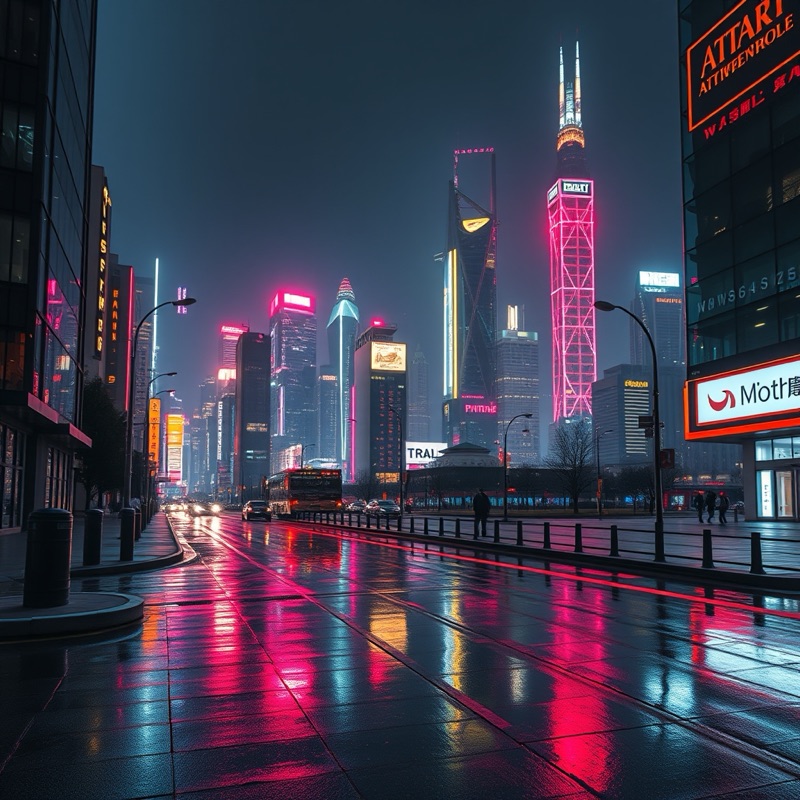
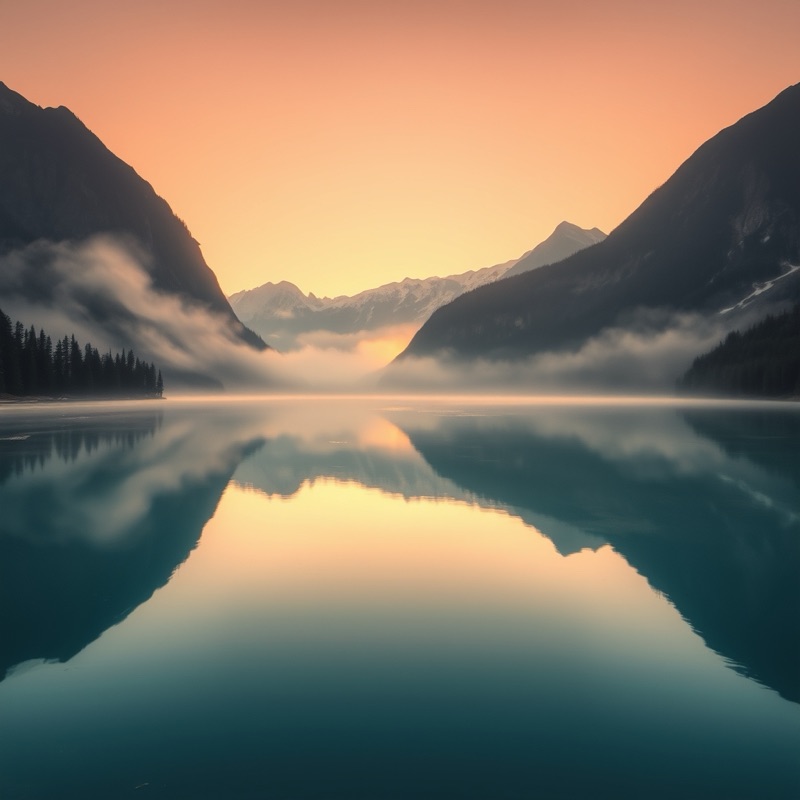
Who uses Text to Image?
Bloggers
creating a bespoke header image for an article when no stock photo quite fits the topic or tone
Primary teachers
illustrating a lesson slide or worksheet with a picture that matches the exact concept being taught
Tabletop RPG players
picturing a custom character, monster or tavern to show the table mid-session instead of describing it aloud
How it works
- 1Describe the visual you want, or upload a photo to work from.
- 2An image model matched to your request generates the picture.
- 3Download the result, or refine the description and generate again.
Example prompts to try
Misty pine forest at dawn, soft golden light, cinematic wide shot, muted earthy tones
Portrait of an elderly fisherman, oil painting, warm side lighting, weathered skin, shallow background
Neon-lit Tokyo alley in the rain, cyberpunk mood, reflective puddles, low camera angle
Cosy reading nook by a window, watercolor style, soft afternoon light, pastel palette
Lone astronaut on a red desert planet, dramatic backlighting, vast empty composition
Tips for the best results
- Name the subject, setting, lighting and camera angle in a single line, since a bare noun returns a generic result.
- Anchor the medium early with a concrete word like photorealistic, watercolor or low-poly before you pile on finer detail.
- Lead with the single most important element, because words near the start of a prompt carry the most weight.
- When one request keeps getting ignored, pull it into its own short prompt and regenerate rather than adding more adjectives.
- Keep any lettering to a few words and plan to lay polished text over the image yourself in an editor.
FAQ
Frequently asked questions
How much detail should I put in my description?
Enough to pin down what you actually care about. Name the subject, the setting, the lighting and the overall mood, and leave the rest open. A one-line prompt gives the AI room to surprise you; a paragraph gives you control. If a detail matters (the dog is brown, the scene is at dusk) say it, because anything unstated gets decided for you.
Why does any text in my image come out garbled?
Lettering is a known weak spot for image generation, signs, labels and captions often come back as convincing-looking gibberish. If your image needs words, generate the scene without them and add the text afterwards in any editor. Where you do want the AI to try, keep it to one or two short words and expect to regenerate a few times.
Can I tweak an image after it's generated, or do I start over?
Each generation is a fresh interpretation of your prompt, so the way to 'edit' is to adjust the description and run it again, change one thing at a time so you can tell what worked. Download anything you like as you go, because nothing is kept once you close the tab.
What kinds of scenes does it struggle with?
Hands, exact counts of objects, brand logos and complicated spatial instructions ('the cat behind the vase, left of the window') trip it up most. Crowded scenes with many small figures also get messy. Simplify the request, or generate the tricky element separately, and always look closely before you use an image anywhere that matters.
How many images can I make in one sitting?
Image generation runs on fair-use limits during the launch period, so you can experiment freely but not hammer it endlessly. There's no account or card involved either way. If you're refining an idea, sharpening the prompt between attempts gets you to a good result in far fewer generations than brute force ever will.
Is there a free text to image generator with no sign up?
Yes. This text to image tool is free and you can start generating straight away without creating an account or handing over an email address. Type a description, generate your image, then download it. There is no trial period and no card details are needed to begin.
Can I use the generated images commercially?
Generally yes, images you create here are yours to use in commercial projects like blog posts, ads and product packaging. The main caveat is content you did not originate: avoid prompting for recognizable brand logos, trademarked characters or a living person's likeness, since those carry rights the generator cannot grant you.
Can I choose the shape or aspect ratio of the image?
Yes, tell the generator the framing you need in plain words, such as wide landscape banner, tall portrait or square. Naming the intended use also helps, so say phone wallpaper, book cover or social post and it will lean towards a sensible shape and composition for that format.
What are the usage limits?
Image generation is free with fair-use limits, because every image costs real compute to render. Normal creative use fits comfortably; the limits exist to stop bulk scripted generation from slowing everyone down. Paid plans with higher limits and priority model access are coming soon.
Also useful
Related free AI tools
More Image tools